What an MCP server is, and why it matters
The Model Context Protocol is the standard way to connect an AI assistant to business tools and data. What it means in practice, and how to plan your first connections without mistakes.
Governance · 3 min read
AI-driven automation is only useful if you can trust it. The principle of AI that prepares and a user who confirms, and how to apply it when designing workflows.
Traditional automation works well when the rules are rigid: if an invoice arrives from a given supplier, post it to that account. Much office work, however, doesn’t follow rules that simple. A customer email has to be interpreted, a report needs commentary, a request has to be understood before it can be routed.
Artificial intelligence can handle this ambiguity, but it introduces a new risk: it can be wrong in a plausible way. A well-written mistake is harder to spot than an obvious one.
That is why many companies are stuck between two positions: using AI only as a personal writing tool, without connecting it to their processes, or automating everything and discovering the mistakes once the damage is done. There is a more solid middle way.
A well-written mistake is harder to spot than an obvious one.
The simplest principle for managing this risk is to separate preparation from execution. The AI reads, gathers the data and prepares a draft email, proposal or entry. Then it stops and shows the user what it intends to do. Only after confirmation is the operation carried out.
This approach shifts people’s work from producing to reviewing. Checking a well-prepared draft takes far less time than writing it, and the person remains accountable for the result, with all the information they need to exercise that responsibility.
Over time, as you observe the quality of the proposals, you may decide to lighten the confirmation step for certain low-risk operations. That is a choice to be made deliberately, based on experience, not taken for granted from the outset.
A useful confirmation is not just a button that says proceed. It must spell out in plain language what will happen: which document will be created, who it will be sent to, which data will be changed. It must show the sources the AI relied on, so the user can check them without having to search.
Be careful, too, not to ask for confirmation of everything. If every small operation requires a click, people start confirming without reading and the confirmation loses its value. It makes sense to distinguish read-only operations, which need no confirmation, from those that change data or communicate externally, which always do.
A good rule of thumb is to ask how much it costs to fix a mistake. A task created by accident can be deleted in a second; an email sent to a customer or a recorded payment cannot. The harder an operation is to undo, the more explicit and detailed the confirmation should be.
No confirmation
Always confirm
Every operation that is proposed, confirmed or rejected should leave a trace: what was asked, what the AI proposed, who confirmed it and when. The log helps reconstruct events if something is disputed, but it also drives improvement. Rejected or corrected proposals often point to unclear instructions or incomplete data.
Traceability and human oversight are principles strongly emphasized by both the GDPR and the EU AI Act. Designing automation this way from the start avoids having to rethink it when requirements become stricter.
The log is also valuable for whoever designs the automation. By seeing which proposals are confirmed unchanged and which are corrected every time, you can tell where to work on the instructions, the document templates or the quality of the underlying data.
In the Innovaq suite, every AI-driven automation follows this pattern. The assistant prepares documents, reports and data operations across all modules, shows a clear confirmation message with the sources used, and acts only once the user has given consent. Every step is recorded in the request log, which can be consulted by anyone with the relevant permissions.
The result is automation that saves time without taking away control: the AI does the work, the person makes the call.
Keep reading
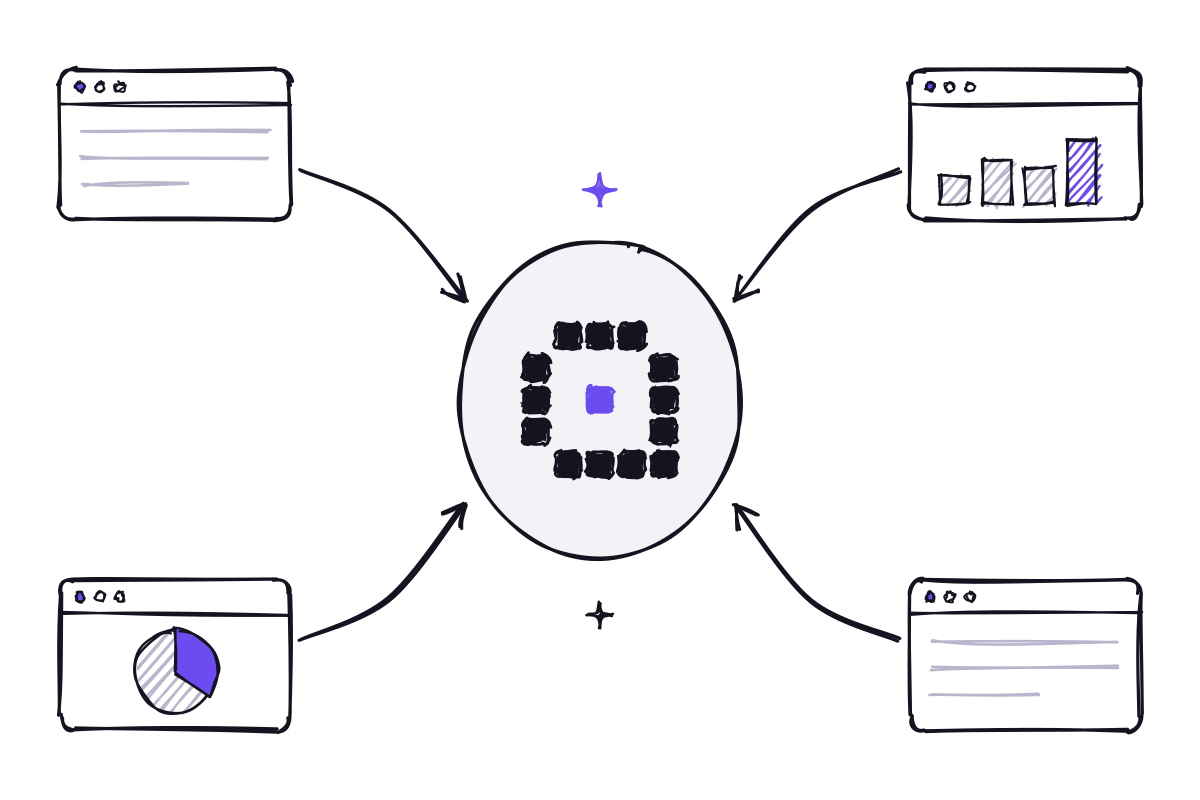
The Model Context Protocol is the standard way to connect an AI assistant to business tools and data. What it means in practice, and how to plan your first connections without mistakes.

Off-the-shelf models are ready to use and powerful; a dedicated AI knows your company’s language better. How to choose, and why the best answer is often a combination of the two.
Innovaq is a company in its launch phase.