What an MCP server is, and why it matters
The Model Context Protocol is the standard way to connect an AI assistant to business tools and data. What it means in practice, and how to plan your first connections without mistakes.
Method · 4 min read
The request log is not just for audits. Read methodically, it shows what people really ask, where the assistant falls short and which automations are worth building.
Every AI assistant used in a company should log its requests: who asked, what they asked, which sources were consulted, which actions were proposed and with what outcome. The log is usually introduced for security and compliance reasons, and rightly so.
Yet the log is also the most honest source on how the tool is actually used. It shows the real questions, not the ones imagined at the design stage, and reveals in concrete terms where the assistant helps and where it does not. Ignoring it means giving up the cheapest way to improve the tool.
To serve this purpose, the log must be complete and readable. An entry that records only the question is of little use; one that also shows the sources consulted and the outcome of each proposal lets you understand what happened without having to ask the person.
A useful reading of the log starts from a handful of questions. Which topics come up most often? Which departments use the tool and which do not? Which requests get answers without sources, or an “I found nothing”? Which proposed actions are rejected or edited before confirmation?
You do not need sophisticated metrics. Grouping requests by topic, even by hand on a sample, is often enough to see where to focus. Requests repeated in similar words point to a stable need; conversations that stop after a single question may signal an unsatisfying answer.
A lack of requests also tells you something. A department that does not use the assistant may not know about it, may not find its own sources there or may not have received proper training. Talking to two or three people in that department clarifies things better than any analysis.
Missed answers are the most instructive. If many people ask for information the assistant cannot find, the data may sit in a system not yet connected, in a document outside the scope or in an area for which permissions are missing. Each cause has a different fix: a new connection, an added document, a review of roles.
Likewise, answers that people dispute or correct often point to outdated documents, incomplete data or ambiguous instructions. Noting the cause of each case, even briefly, turns the log into a list of actions with clear priorities rather than a collection of vague complaints.
The log also reveals repetitive work. If someone asks for the same summary of proposals and payments every Monday, or if several people prepare the same payment reminder draft at month end, you have a natural candidate for automation.
The log also helps decide how to design it. Actions that people almost always confirm without changes are good candidates; those that are often edited need better instructions before they are automated. Either way, the automation still follows the rule that the AI prepares and the user confirms.
Once it is live, the log shows whether the automation works as intended. If confirmations become automatic and nobody reads the content anymore, or if corrections increase, it is time to revisit the instructions or the document template.
There is no need to read the log every day. A monthly review, with one contact per department and half an hour set aside, is usually enough to identify the most useful improvements. Decide beforehand who may consult the log and for what purpose, because it contains people’s questions and data: it must not become a tool for monitoring individuals.
In Innovaq’s AI, the request log is built into the assistant and available to those with the right permissions. Each entry records the user, the question, the sources used, the actions proposed and the outcome of the confirmation. It is the basis for improving answers, choosing the next sources to connect and deciding which automations to switch on.
Monthly review
Keep reading
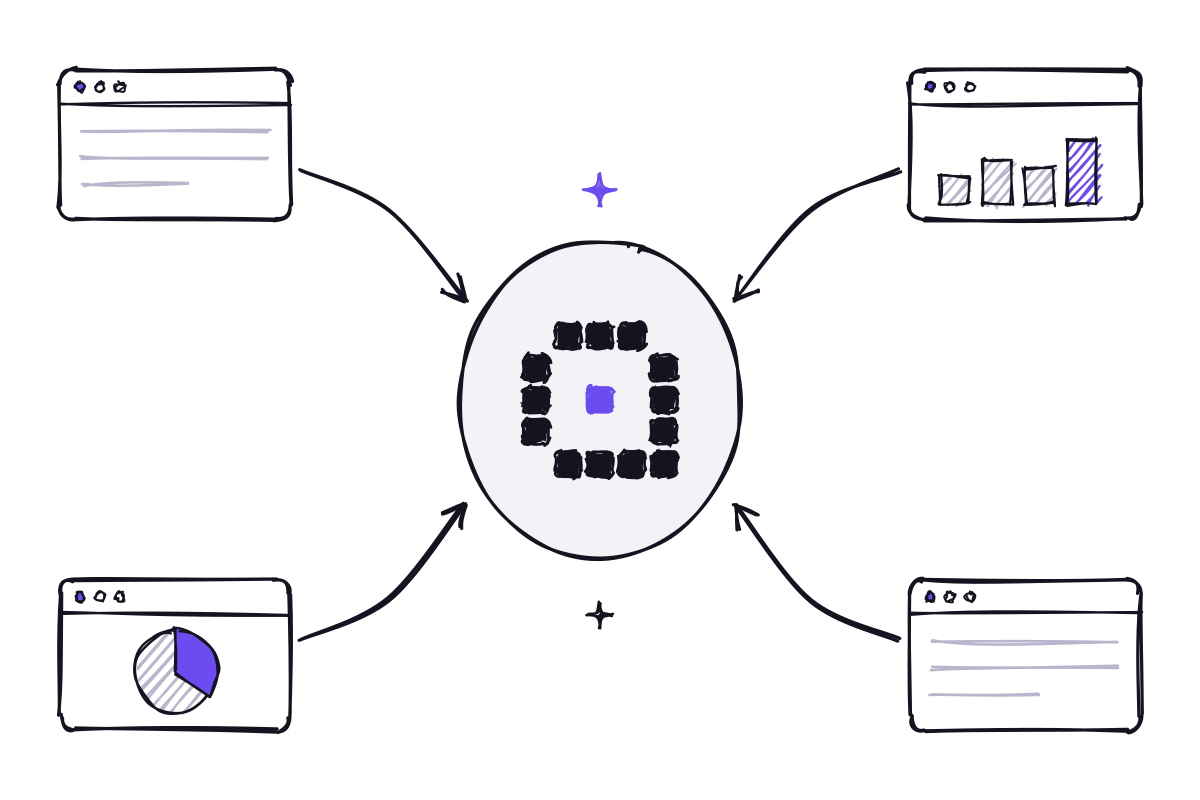
The Model Context Protocol is the standard way to connect an AI assistant to business tools and data. What it means in practice, and how to plan your first connections without mistakes.

Off-the-shelf models are ready to use and powerful; a dedicated AI knows your company’s language better. How to choose, and why the best answer is often a combination of the two.
Innovaq is a company in its launch phase.